You can’t Download IPTV Smarters on Samsung Smart TV because Samsung’s Tizen operating system doesn’t support this third-party IP TV app. Samsung restricts apps that stream content from external sources, keeping only pre-approved services in their official app store.
But don’t worry—there are simple workarounds. The easiest solution is connecting a streaming device like Amazon Fire Stick or Android TV box to your Samsung TV’s HDMI port, then installing IPTV Smarters on that device. You can also use Samsung-approved apps like Smart IPTV, or access IPTV through your TV’s web browser. Below, we’ll show you step-by-step how to set up each method.
Why IPTV Smarters Isn’t Available on Samsung Smart TV
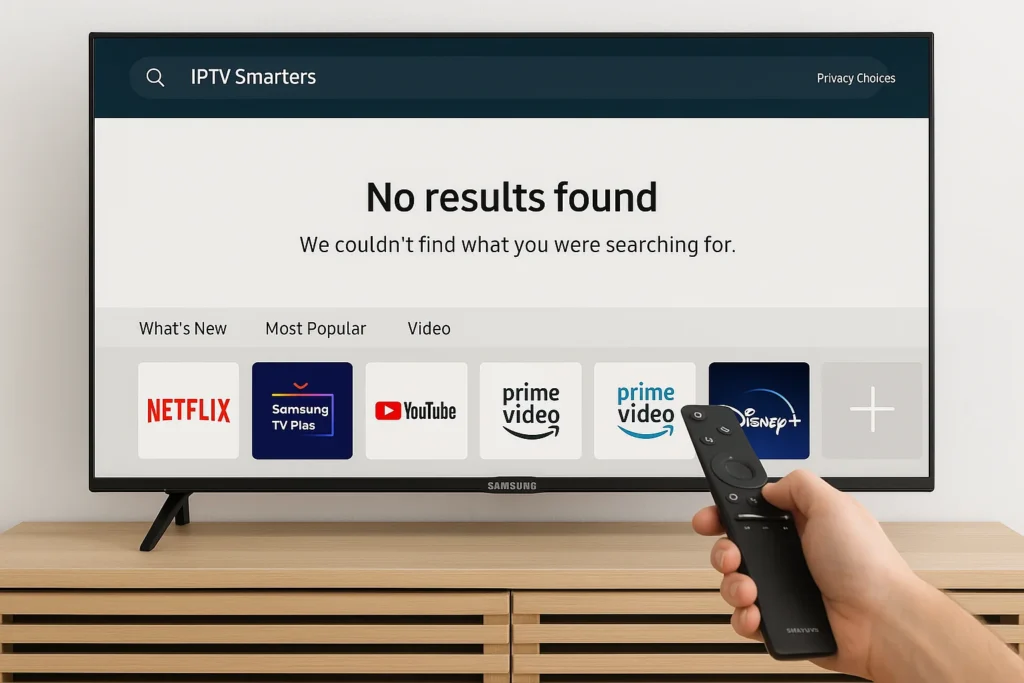
When you search for IPTV Smarters on your Samsung Smart TV’s app store, you won’t find it because Samsung’s Tizen OS platform doesn’t officially support third-party IPTV players that can stream content from external M3U playlists or Xtream Codes APIs.
Samsung’s policies restrict apps that could potentially access unlicensed streaming sources, maintaining strict content distribution guidelines to protect copyright holders and ensure compliance with regional broadcasting regulations.
The Tizen operating system’s closed ecosystem further prevents sideloading apps through unofficial methods, unlike Android-based smart TVs. These limitations exist across all Samsung models—whether you’re using a 2019 QLED, 2022 Crystal UHD, or 2023 Neo QLED—as Samsung prioritizes pre-approved streaming services over flexible IPTV solutions.
How to Activate IPTV on Samsung Smart TV: Step-by-Step Guide
Despite IPTV Smarters’ absence, you can still activate IPTV content on your Samsung Smart TV through alternative methods. Follow these detailed steps:
Method 1: Using Samsung’s Approved IPTV Apps
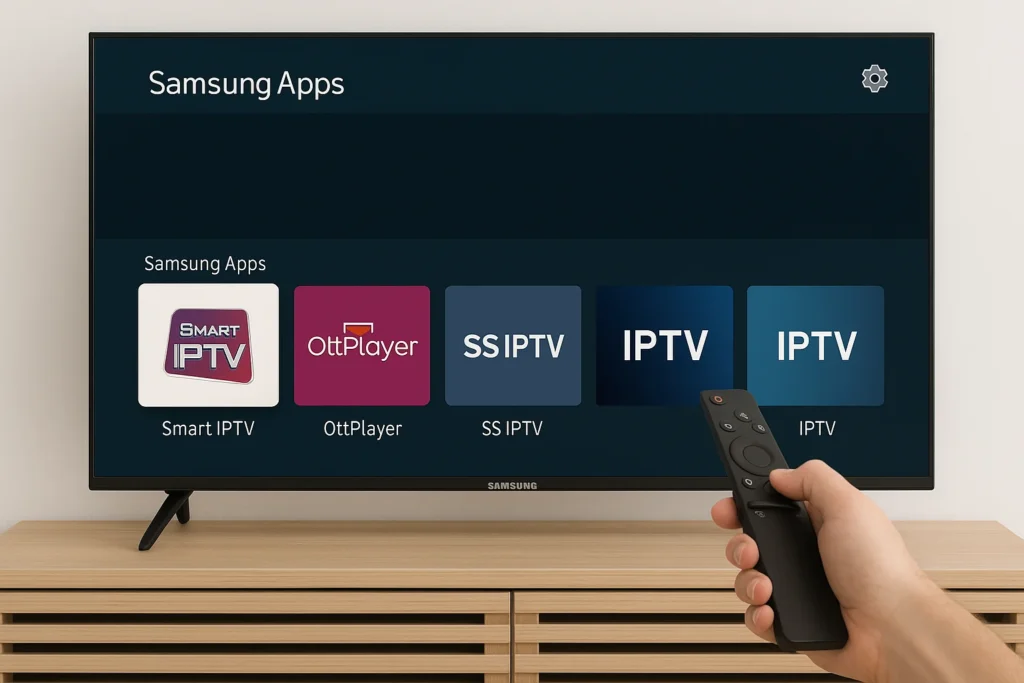
- Press the Home button on your Samsung remote to access the Smart Hub.
- Navigate to Samsung Apps (the shopping bag icon).
- Use the search function to find approved IPTV apps like Smart IPTV or OttPlayer.
- Select the app and click Install.
- Once installed, open the app and enter your IPTV provider’s M3U playlist URL or Xtream Codes credentials.
- Wait for the IPTV channels to load and start streaming.
Method 2: Using External Streaming Devices (Recommended)
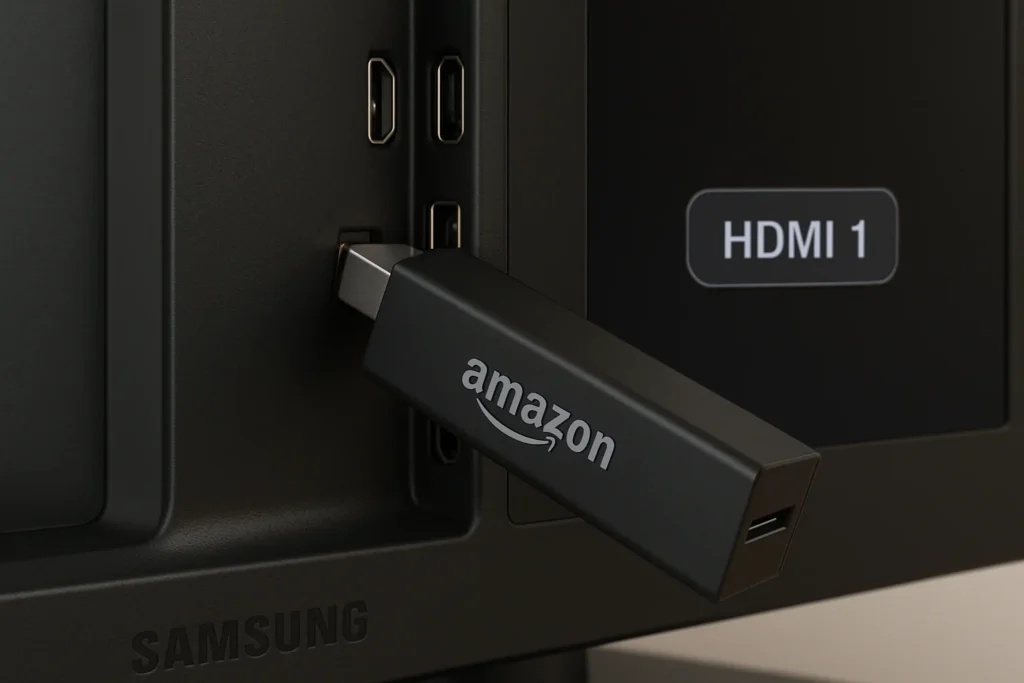
- Purchase and connect an Amazon Fire Stick, Roku, or Android TV box.
- Plug the device into an available HDMI port on your Samsung TV.
- Power on both your TV and the streaming device.
- Switch input source by pressing the Source button on your Samsung remote and selecting the corresponding HDMI port.
- Navigate to your streaming device’s app store (Amazon Appstore for Fire Stick, Google Play Store for Android boxes).
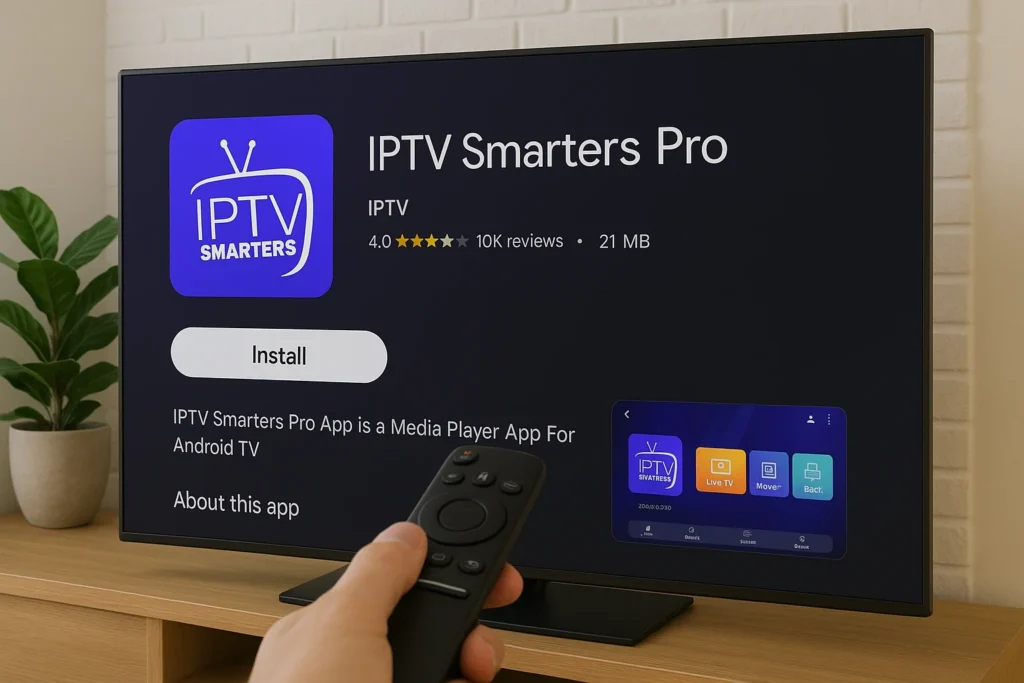
- Search for “IPTV Smarters Pro” in the app store.
- Download and install the application.
- Launch IPTV Smarters and select your login method (Xtream Codes API, M3U URL, or playlist).
- Enter your credentials provided by your IPTV service provider including username, password, and server URL.
- Load your channels and enjoy full IPTV functionality with complete access to live TV, VOD, and series.
Method 3: Browser-Based Streaming
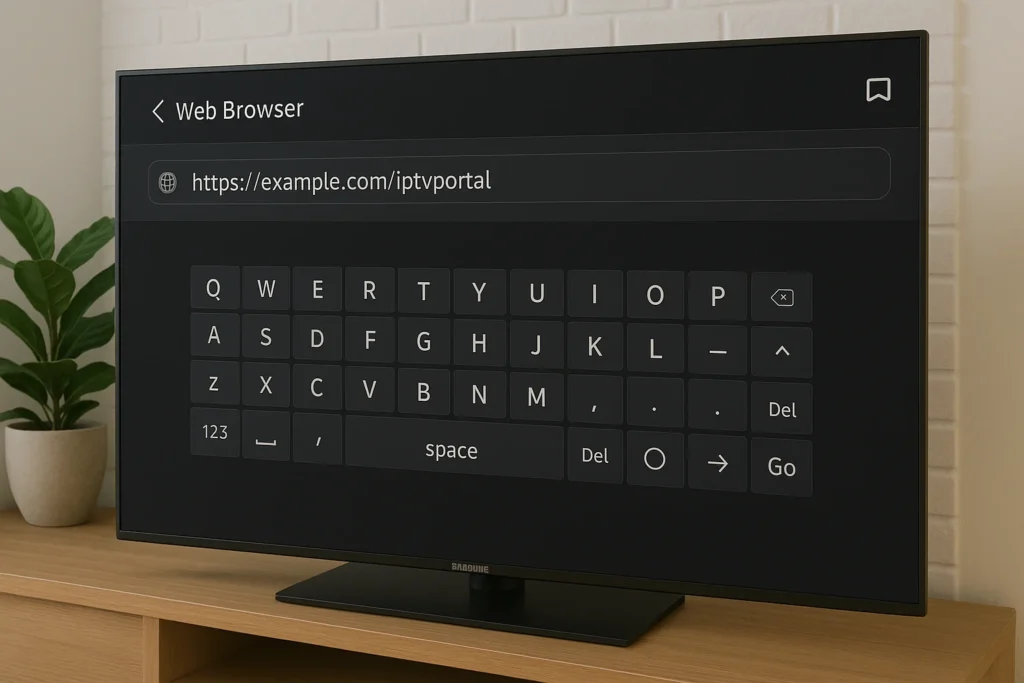
- Press the Home button and navigate to the Internet app (web browser icon).
- Open the browser and use the on-screen keyboard to type your IPTV provider’s web portal URL.
- Enter the complete portal address carefully (example: http://yourprovider.com:port)
- Log in with your IPTV account credentials.
- Bookmark the page by pressing the Tools button on your remote, then select “Add to Bookmarks” for easy future access.
- Optimize browser settings by going to Settings > disable pop-up blockers > enable JavaScript.
- Clear cache regularly if you experience buffering by going to Settings > Privacy > Delete browsing data.
- Start streaming directly through the web interface.
These activation methods eliminate compatibility issues while maintaining your Samsung TV’s display quality and providing full access to IPTV services. The external device method offers the best performance and user experience, while browser-based streaming provides a quick solution without additional hardware.
Frequently Asked Questions
Is IPTV Smarters Free or Does It Require a Subscription?
You’ll find IPTV Smarters itself is free to download, but you’ll need active IPTV subscription options from a provider. Check if your provider offers a free trial first. The app’s just a player requiring service credentials.
Can IPTV Smarters Record Live TV Programs for Later Viewing?
You can’t record live TV programs directly in IPTV Smarters. The app doesn’t support live TV recording functionality. For program playback later, you’ll need external recording software or check if your IPTV provider offers catch-up services.
Is Using IPTV Smarters Legal in My Country?
You’ll need to verify your local IPTV regulations first. Check if your content provider’s licensed, then confirm legal implications in your jurisdiction. Most countries permit the app itself, but unauthorized streaming content remains illegal everywhere.
How Much Internet Speed Do I Need for IPTV Smarters?
You’ll need a minimum 10 Mbps for HD streaming quality, 25 Mbps for 4K content. Check your internet requirements by testing current bandwidth. If buffering occurs, upgrade your plan or reduce stream resolution to match available speeds.
Does IPTV Smarters Support Multiple User Profiles on One Account?
You can’t create multiple user profiles within IPTV Smarters itself. For user profile management, you’ll need separate subscriptions from your provider. Account sharing options depend on your IPTV service’s terms – check their multi-connection policies.