You need to install IPTV on XCIPTV Player correctly to access your IPTV streams without buffering or authentication errors.
While the installation process seems straightforward, there’s a critical difference between M3U playlist integration and Xtream Codes API setup that affects your server’s response time and channel loading efficiency.
Most IPTV users don’t realize their EPG configuration directly impacts bandwidth consumption and there’s a specific protocol adjustment that can reduce it by 40%.
Download and Install XCIPTV Player
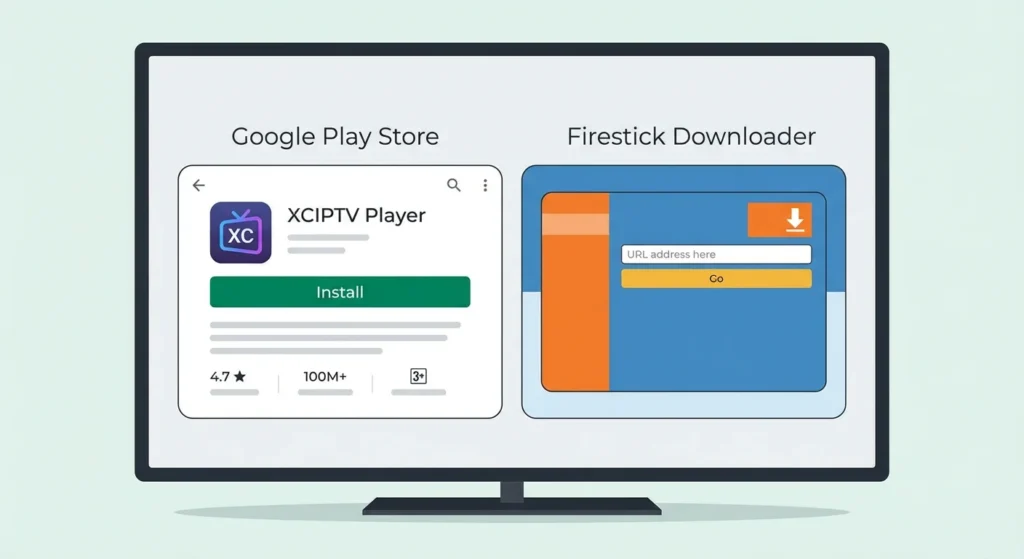
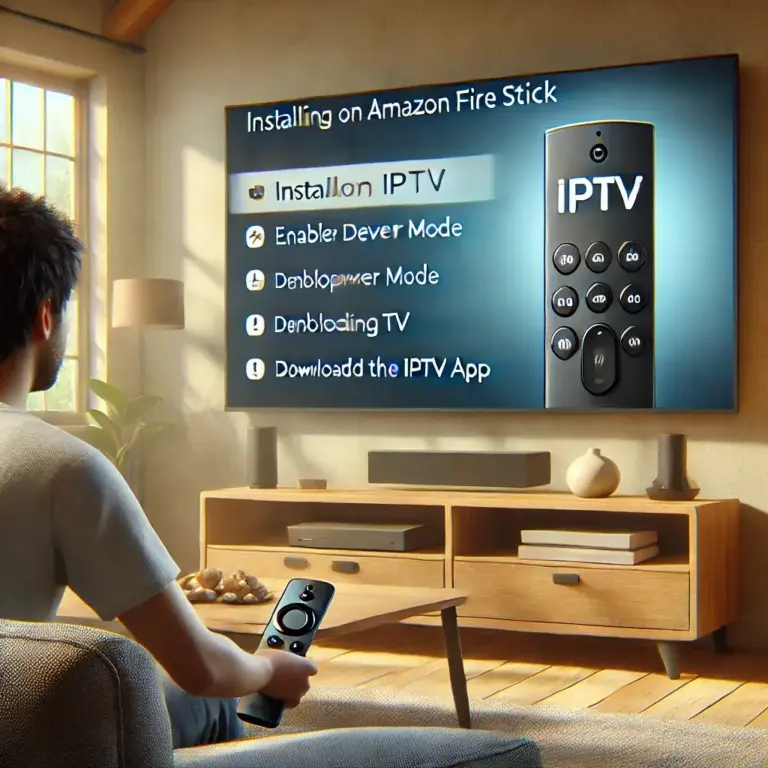
Navigate to the Google Play Store on your Android device, Smart TV, Android Box, or Amazon Firestick.
Type “XCIPTV Player” in the search bar and locate the official application. Tap Install and wait for the app to download completely.
For Firestick users, you can also use the Downloader app to install the APK file by entering the official XCIPTV download URL.
Once the installation is complete, launch XCIPTV Player from your app menu or home screen to begin the configuration process.
Obtain Your IPTV Provider Credentials
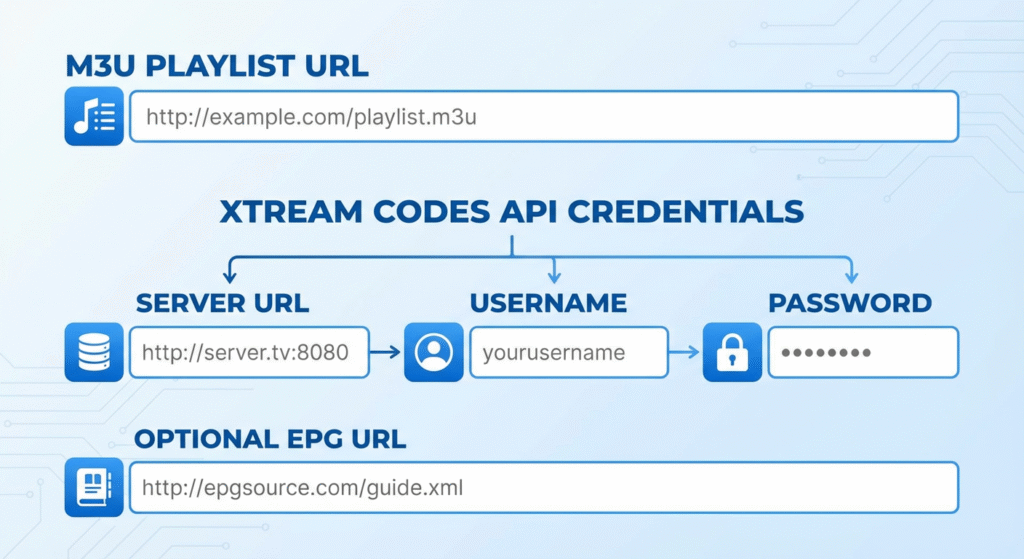
Before setting up XCIPTV Player, gather the necessary information from your IPTV service provider.
You’ll need either an M3U playlist URL (a direct link to your channel lineup) or Xtream Codes API login details (including server URL, username, and password).
These credentials are typically sent to your email after purchasing or activating your IPTV subscription.
Some providers may also supply an EPG URL for the electronic program guide. Have all this information ready before proceeding to the next step.
Add Your IPTV Service to XCIPTV Player
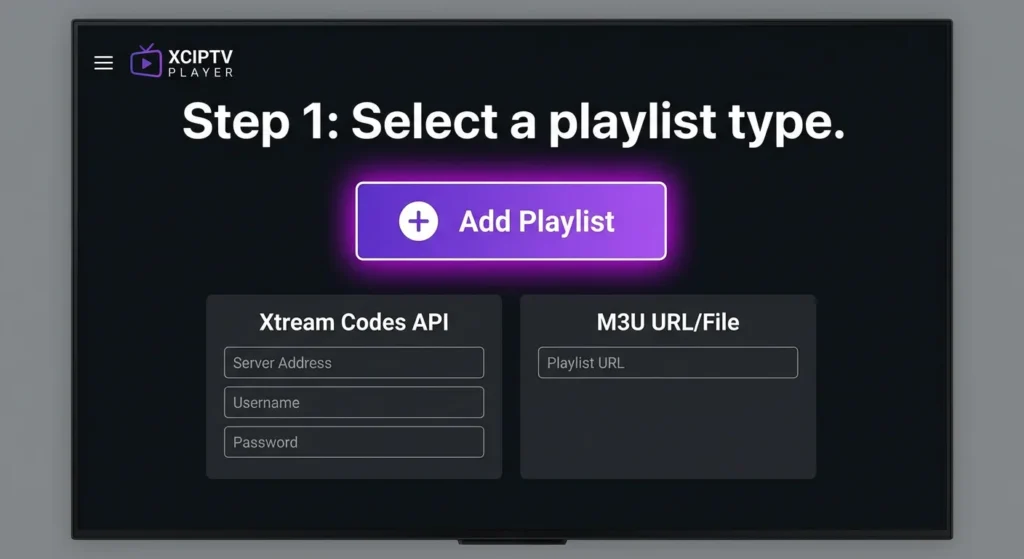
Open XCIPTV Player and you’ll see the main interface with an option to add a playlist. Tap on “Add Playlist” or the “+” button.
Select your connection method: choose “Xtream Codes API” if you have server credentials, or “M3U URL/File” if you have a playlist link.
For Xtream Codes: enter your server address (typically without http://), username, and password in the designated fields.
For M3U: paste your complete playlist URL. Assign a name to your playlist for easy identification. Tap “Login” or “Add” to establish the connection with your provider’s server.
Sync and Load Your Channel Library
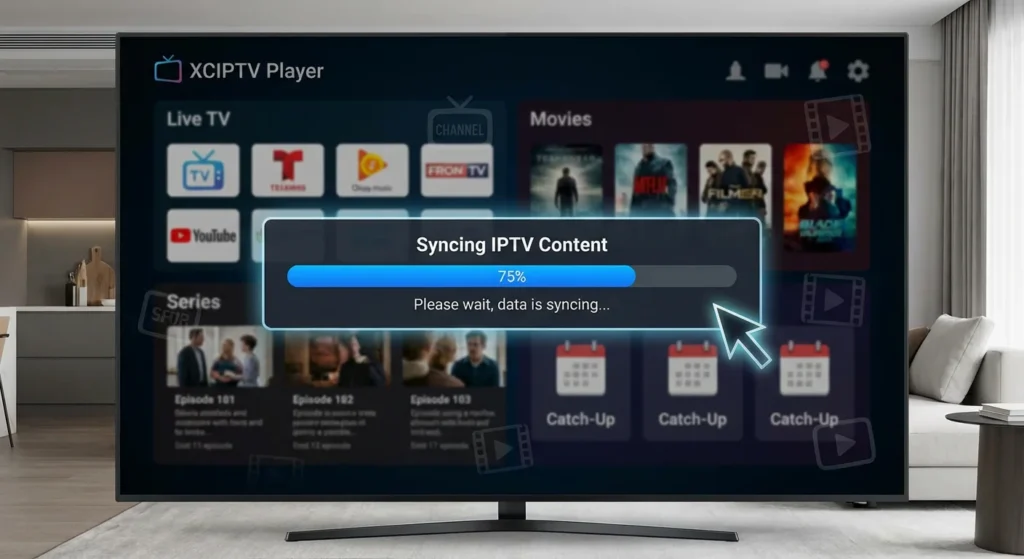
After entering your credentials, XCIPTV Player will connect to your IPTV provider’s server and begin downloading your channel list, VOD content, and series library.
This synchronization process usually takes 30-90 seconds depending on your playlist size and internet speed.
A loading bar will indicate the progress. The app will also download EPG data if available from your provider.
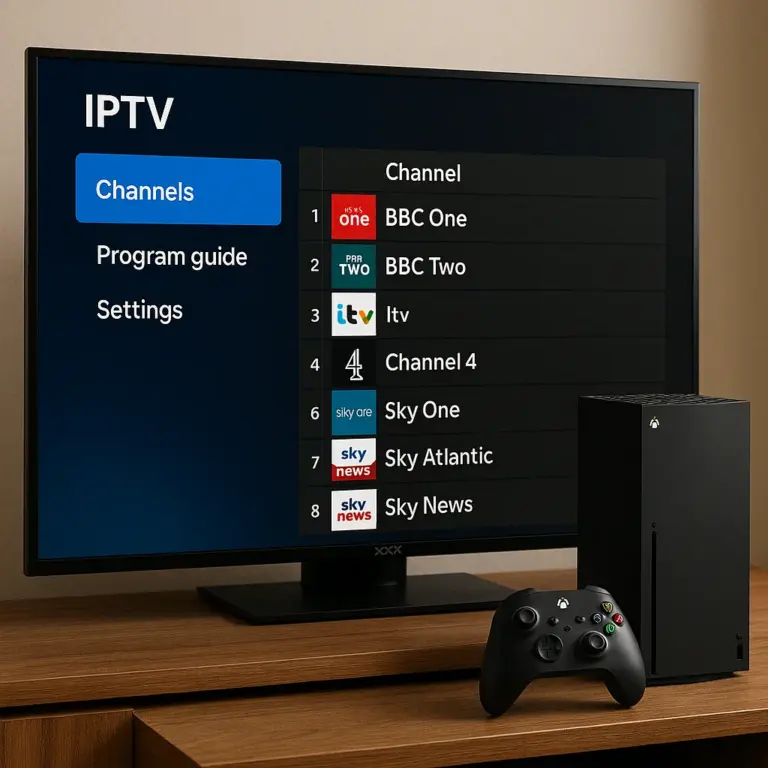
Once the IPTV on XCIPTV Player sync is complete, you’ll see your content organized into categories: Live TV, Movies, Series, and Catch-up (if supported). Your channels will be sorted by genre for easy navigation.
Customize Settings and Optimize Performance
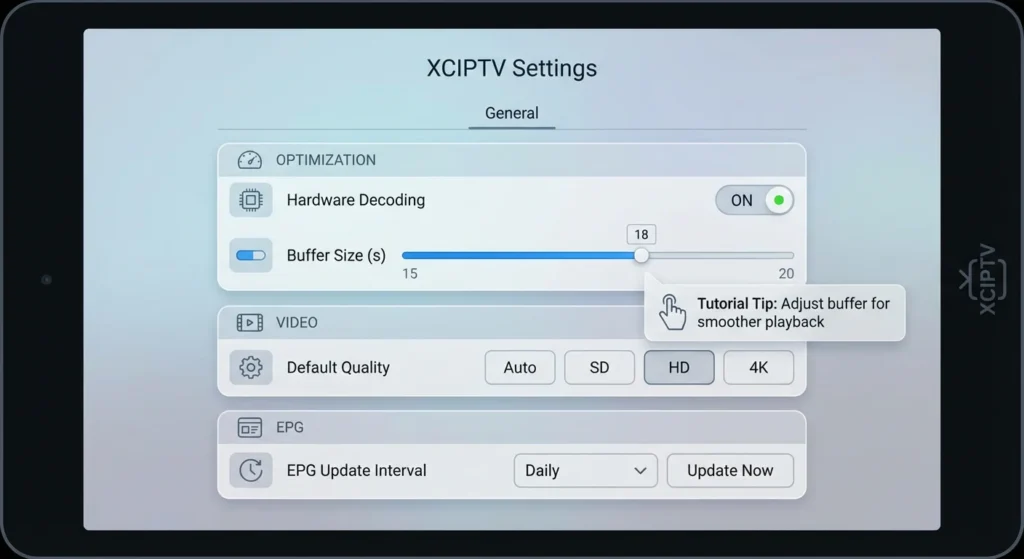
Access the settings menu by tapping the three horizontal lines (hamburger menu) or the gear icon.
Enable hardware decoding in the player settings to enhance video playback and minimize buffering. Set your preferred video buffer size to 15-20 seconds for smooth streaming.
Adjust the video quality based on your internet speed (Auto, SD, HD, or 4K). Configure the EPG update schedule to keep your TV guide current.
With IPTV on XCIPTV Player, once the sync is complete, you’ll see your content organized into categories: Live TV, Movies, Series, and Catch-up (if supported). Your IPTV channels will be sorted by genre for easy navigation.
Frequently Asked Questions
Is XCIPTV Player Legal to Use in My Country?
XCIPTV player’s legality depends on your country’s regulations regarding streaming protocols. You’ll need to verify local IPTV legality frameworks, as the application itself is legal, but content sources must comply with your jurisdiction’s broadcasting infrastructure laws.
How Much Does XCIPTV Player Cost After the Trial Period?
For IPTV on XCIPTV Player, you’ll find XCIPTV Player’s subscription options vary by region after the 7-day trial duration expires. Pricing typically ranges from $9.99-$14.99 monthly, though you’re purchasing the player interface only—IPTV content subscriptions require separate provider agreements.
Can I Use XCIPTV on Multiple Devices Simultaneously?
You can’t enable multi device streaming with standard XCIPTV licensing. The protocol restricts simultaneous usage to one active session per account. You’ll need separate licenses for each device or upgrade to a multi-connection IPTV subscription.
Which IPTV Service Providers Are Compatible With XCIPTV Player?
For IPTV on XCIPTV Player, you’ll find compatible providers include any IPTV service supporting M3U playlists or Xtream Codes API protocols. Most mainstream providers offering these standard streaming infrastructures will integrate seamlessly with XCIPTV’s player architecture and authentication systems.
Does XCIPTV Player Support Parental Controls for Restricting Content?
Yes, you’ll find parental settings within XCIPTV’s configuration menu. You can implement content restrictions through PIN-protected access controls, blocking specific channels or categories. The player’s infrastructure supports age-based filtering protocols for comprehensive family content management.