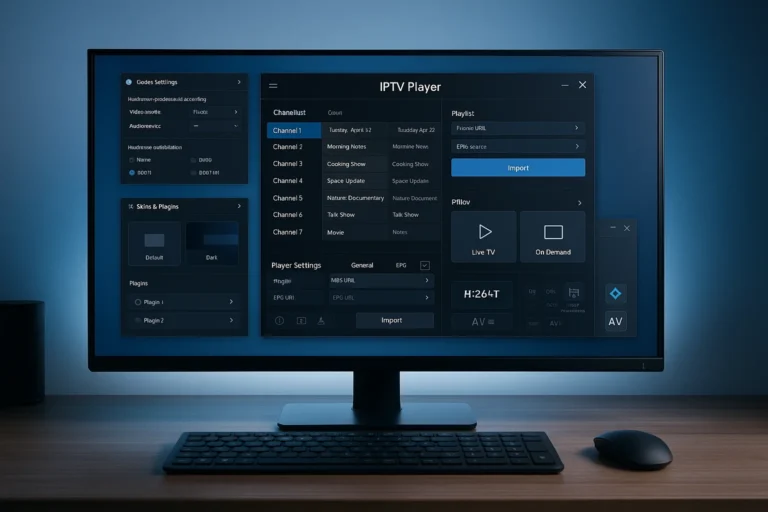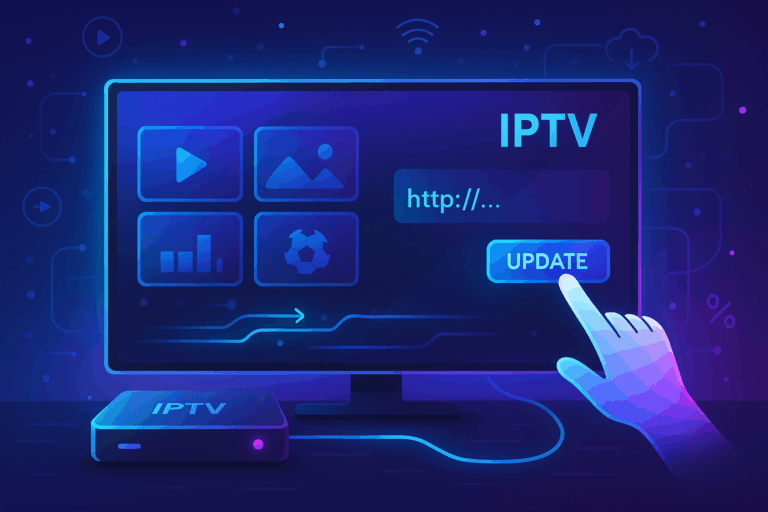
You can get an IPTV URL from an IPTV service provider, by creating your own playlist, or by using legal public streaming sources, because an IPTV URL is simply a web link that contains a list of channels and streaming paths used by IPTV players. This link is required by most IPTV applications to load live TV and video-on-demand content correctly.
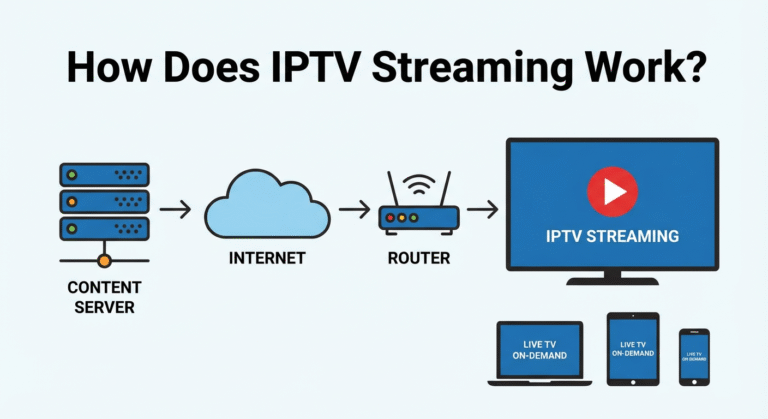
Many viewers who stream through regional services such as IPTV Canada or other online platforms depend on these URLs to organize their watching experience across Smart TVs, phones, and streaming devices. It is important to understand that the URL itself does not store videos; it only points to streaming servers.
Common Ways to Get an IPTV URL
| Method | Technical Level | Stability | Cost | Best For |
| Subscription Provider | Low | High | Paid | Ready-to-use experience |
| Personal Playlist | Medium–High | Medium | Free / Hosting cost | Custom control |
| Public Streams | Low | Low | Free | Testing & experimentation |
| Cloud Hosting | High | High | Low | Advanced users |
| Community Lists | Low | Very Low | Free | Short-term trials |
From an IPTV Subscription Provider
The most common and straightforward way to obtain an IPTV URL is through a subscription service that provides login credentials or an M3U link after registration. Once activation is completed, the provider usually sends the URL by email or through a personal dashboard.
This method ensures automatic playlist updates and a structured channel list that rarely needs manual editing. It is important to verify the legitimacy of the provider and confirm that the distributed content respects local broadcasting rights. Subscription URLs often include live channels, on-demand libraries, and electronic program guides. This option is preferred by users who want a plug-and-play solution without technical configuration.
Creating Your Own Playlist
Another approach is generating your own IPTV playlist using streams that you legally own or have permission to use. This process involves creating an M3U file and hosting it online so it becomes accessible as a shareable URL. While this option gives full control over channel organization and customization, it requires basic technical skills and reliable hosting.
Users choosing this method usually want independence from third-party services. The advantage lies in flexibility and privacy, but maintenance and updates become the user’s responsibility. It is best suited for advanced viewers or hobbyists comfortable with file management.
Public or Open Streaming Sources
Some websites and online communities share open streaming links that can be converted into IPTV URLs for free access to public channels such as news or educational broadcasts. These sources are often used for testing IPTV apps or exploring compatibility rather than daily viewing. Reliability varies because links can expire or servers may become overloaded.
Users should always confirm that streams are authorized for public distribution to avoid legal or security concerns. This method is convenient for experimentation but rarely stable long term. It is more suitable for temporary use than consistent entertainment.
Hosting Platforms and Cloud Storage
Technically inclined users sometimes upload their personal playlist files to cloud storage or private hosting platforms to generate a stable personal IPTV URL. This method allows full control over updates and privacy while avoiding dependence on external providers. It also enables remote editing and easy sharing between devices.
However, it requires secure file management and periodic updates to keep links active. The benefit is long-term independence and customization, but the responsibility for maintenance is higher. This approach is ideal for advanced users who want consistent control.
Community-Shared Lists
Online forums and discussion groups occasionally exchange playlist links for educational or testing purposes. These URLs can help users check compatibility with different IPTV players or preview channel formats. However, they are often temporary and may disappear without notice.
Security and legality should always be considered before using such links. Community lists are best for short-term exploration rather than regular viewing. Stability and support are usually limited compared to other methods.
Short Questions & Answers
Is an IPTV URL always free?
No, it can be either free or paid depending on the source. Subscription providers usually charge a fee for stable access, while public or personal playlists may be free but less reliable and often require manual updates.
Can I create my own IPTV URL legally?
Yes, as long as the streaming sources you include are authorized or personally owned. Creating a playlist itself is legal; the legality depends entirely on the content rights of the streams you reference.
Are public IPTV URLs stable for daily use?
Generally not. Public links are useful for testing applications or watching open channels, but they frequently expire or experience downtime, which interrupts regular viewing.
Why does my IPTV URL suddenly stop working?
Common reasons include expired links, server outages, removed streaming sources, or changes made by the original host. Regular updates or switching to a more stable method usually solves the issue.
Do IPTV URLs contain the actual videos?
No, an IPTV URL is only a directory of streaming paths. The videos are hosted on external servers, which means performance depends on those servers and your internet connection.
Are all IPTV apps compatible with every URL?
Most modern IPTV players support standard M3U or similar playlist formats, but minor compatibility differences can exist. Checking the app’s supported formats before importing a link helps avoid loading errors.